Morkiexyz NFT minting
Morkie's documented collection-minting flow starts with wallet connection, followed by choosing and minting an NFT. After minting, the NFT can be imported into a wallet using its contract address and token ID. This flow applies when the selected collection has an available mint on its specified network.
Wallet and Collection Requirements
Your wallet needs to support the selected collection's network. Morkie's multichain coverage doesn't identify the chain for an individual NFT, so establish that collection's network before connecting and proceeding with its mint.
Morkie's catalog includes free and paid listings, with prices quoted in different assets. Read the selected NFT's price and payment currency before minting. A listing marked Free gives no network-fee amount, and a historical catalog price doesn't establish the terms of a mint available today.
The Documented Minting Sequence
- Connect your prepared wallet through Morkie's wallet control.
- Choose the NFT from the catalog and select Mint under that listing's terms.
- Confirm on the collection's network explorer that the mint transaction completed and that your receiving account holds the NFT. Then collect its contract address and token ID. Use both if you need to import the NFT into your wallet.
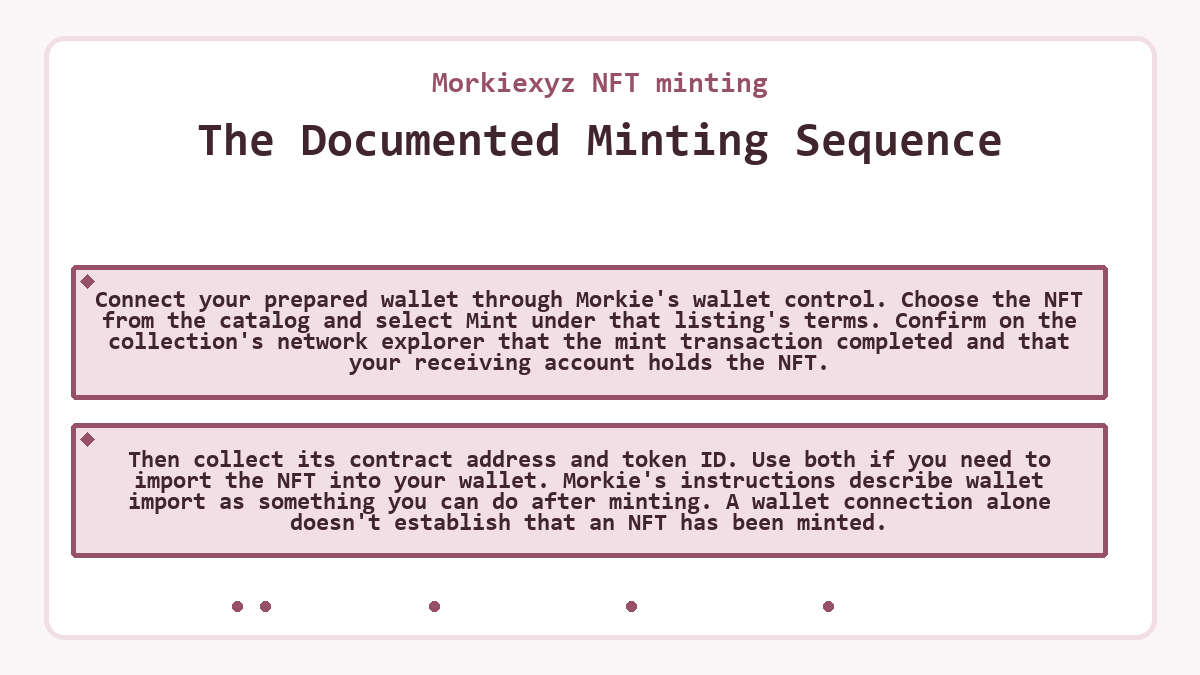
Morkie's instructions describe wallet import as something you can do after minting. A wallet connection alone doesn't establish that an NFT has been minted.
Contract Address and Token ID
The contract address identifies the NFT contract, while the token ID identifies the particular item within it. Keep those identifiers together and use the network that holds the NFT. Manual import adds an existing NFT to the wallet's view; it doesn't create another token.
Example: Correcting a Copied Token ID
In this hypothetical case, a Morkie NFT has already been minted, and the wallet is on that collection's network. The first manual import uses the correct contract address but a token ID copied from a different NFT.
A comparison with the minted item's record reveals the mismatch. Keep the verified contract address, replace the copied token ID with the intended item's ID, and retry the import. The corrected pair now identifies the intended existing NFT, so the correction belongs in the import fields rather than a new mint attempt.
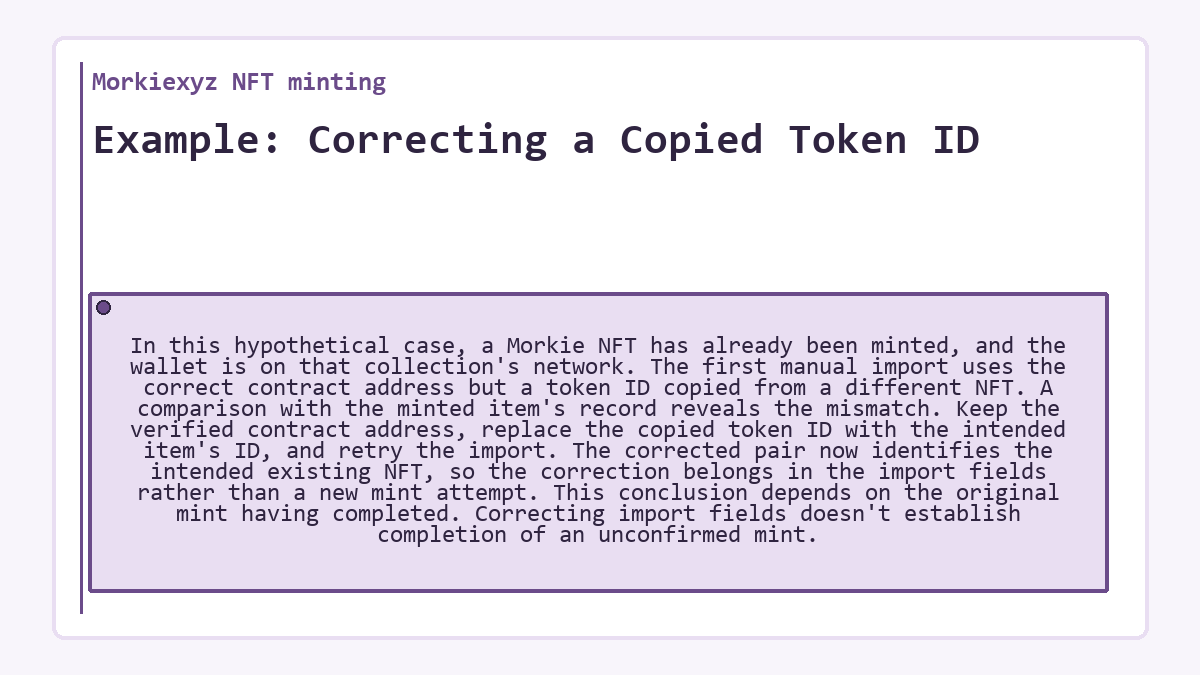
This conclusion depends on the original mint having completed. Correcting import fields doesn't establish completion of an unconfirmed mint.
Creating Your Own Artwork
Morkie's catalog also presents a separate Create NFT entry for artists launching their own artwork. That creator entry has a different purpose from the Mint control for an existing collection; the documented collector steps don't establish the setup or deployment requirements for an artist's own NFT.
- updated